


OrbitNote

PDF editor and annotation software for accessible learning

Take documents to the next level. OrbitNote Modern is a dynamic PDF editor that transforms how students and educators work with documents. Our PDF accessibility software makes it simple to edit PDFs, annotate documents, and create an accessible, collaborative workspace for all learners.

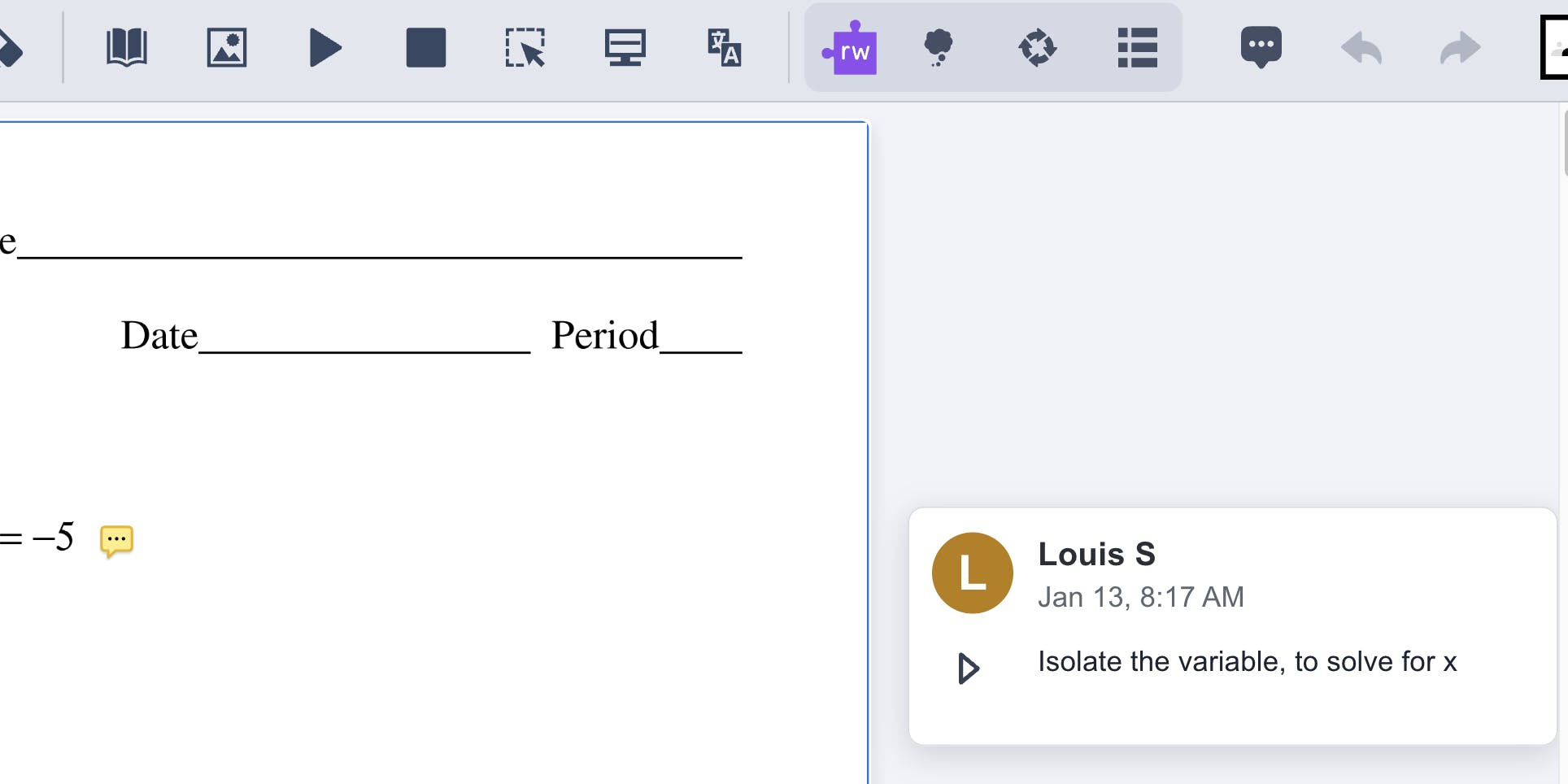
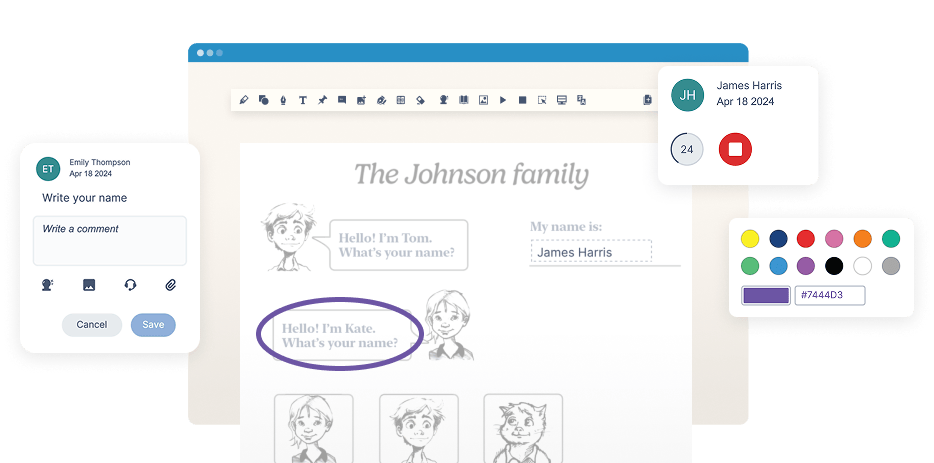
OrbitNote product UI showing annotation tools

Trusted by schools worldwide

Nova Scotia logo
Arkansas Department of Education logo
Pittsburgh Public Schools logo
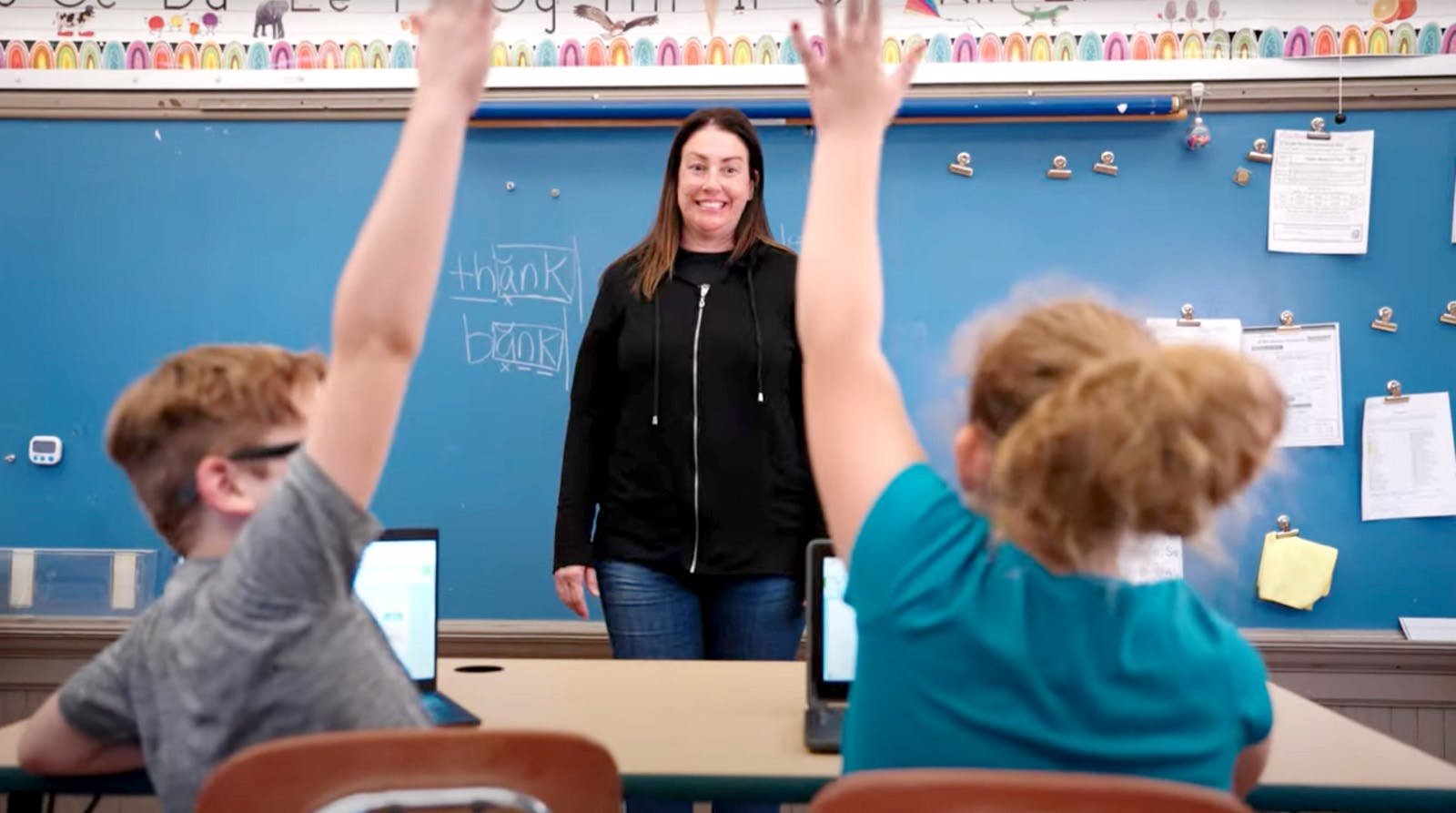
A teacher and a student using a laptop
Teacher from Pittsburgh Public Schools
 Easily modify, annotate, and convert files while creating an accessible and collaborative workspace for all.

Make PDFs more accessible

Quickly turn printed text into PDFs with our OCR Scanning feature. OrbitNote takes care of the rest. It's a simple way to make content accessible for all learners. Students can easily use tools to read PDFs aloud with Text-to-Speech, add highlights, and get vocabulary support across all subjects.

Student working on laptop in classroom.  In the background the teacher can be seen assisting another student.

Edit PDFs with comprehensive annotation and drawing tools

Students can express their ideas by typing or drawing on PDFs, helping with planning and learning. They can also highlight key points to improve comprehension and study effectively. Students can also add shapes or images to their work to make it more creative and interactive.

Freehand Drawing


Shapes drawing


Add image


“It allows them to access their curriculum on their level,” Alicia Connolly, Assistive Tech Consultant Pittsburgh Public Schools

Access built-in learning support tools for all PDFs

Students can use OrbitNote tools to ask for help and pinpoint areas where they need support. Dictionary and Translator improve comprehension, and Screen Mask helps with focus.


Boost productivity and make content accessible to all learners

Student sits cross-legged on a classroom chair, using a laptop at a desk for schoolwork.

OrbitNote product features

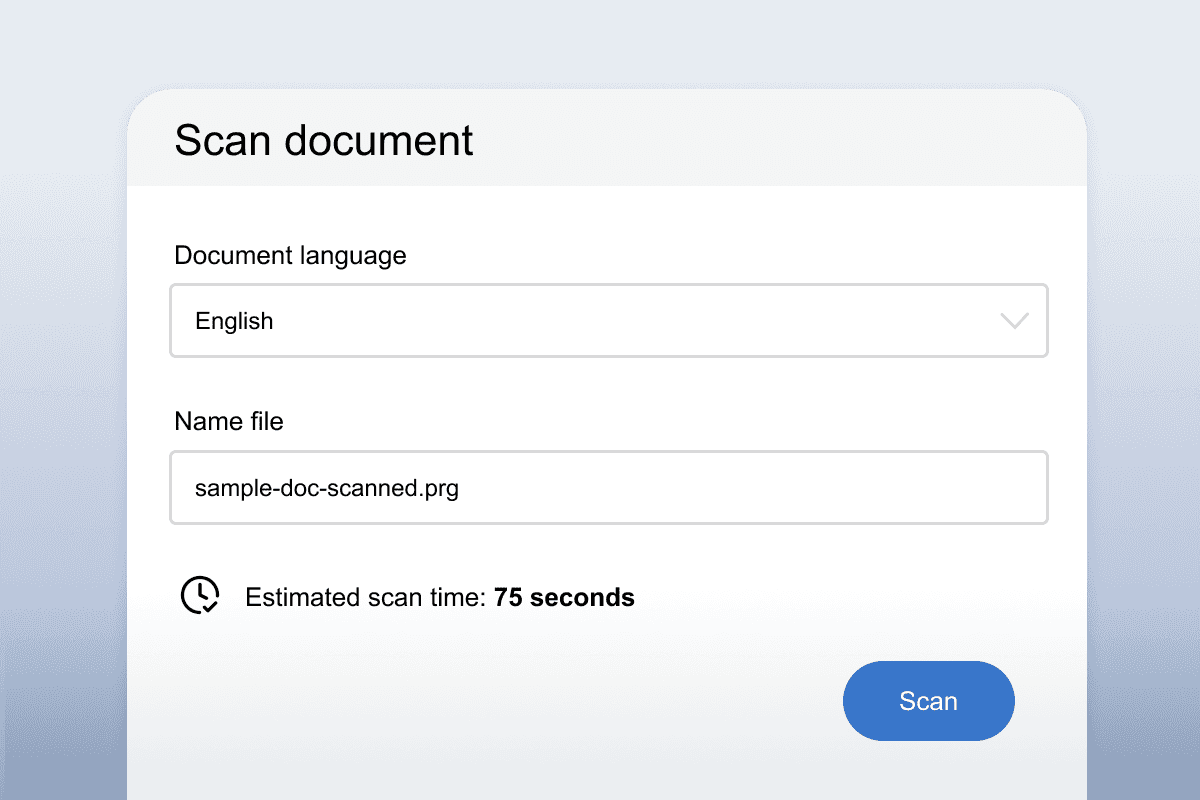
Easily convert printed text into readable and interactive PDFs.

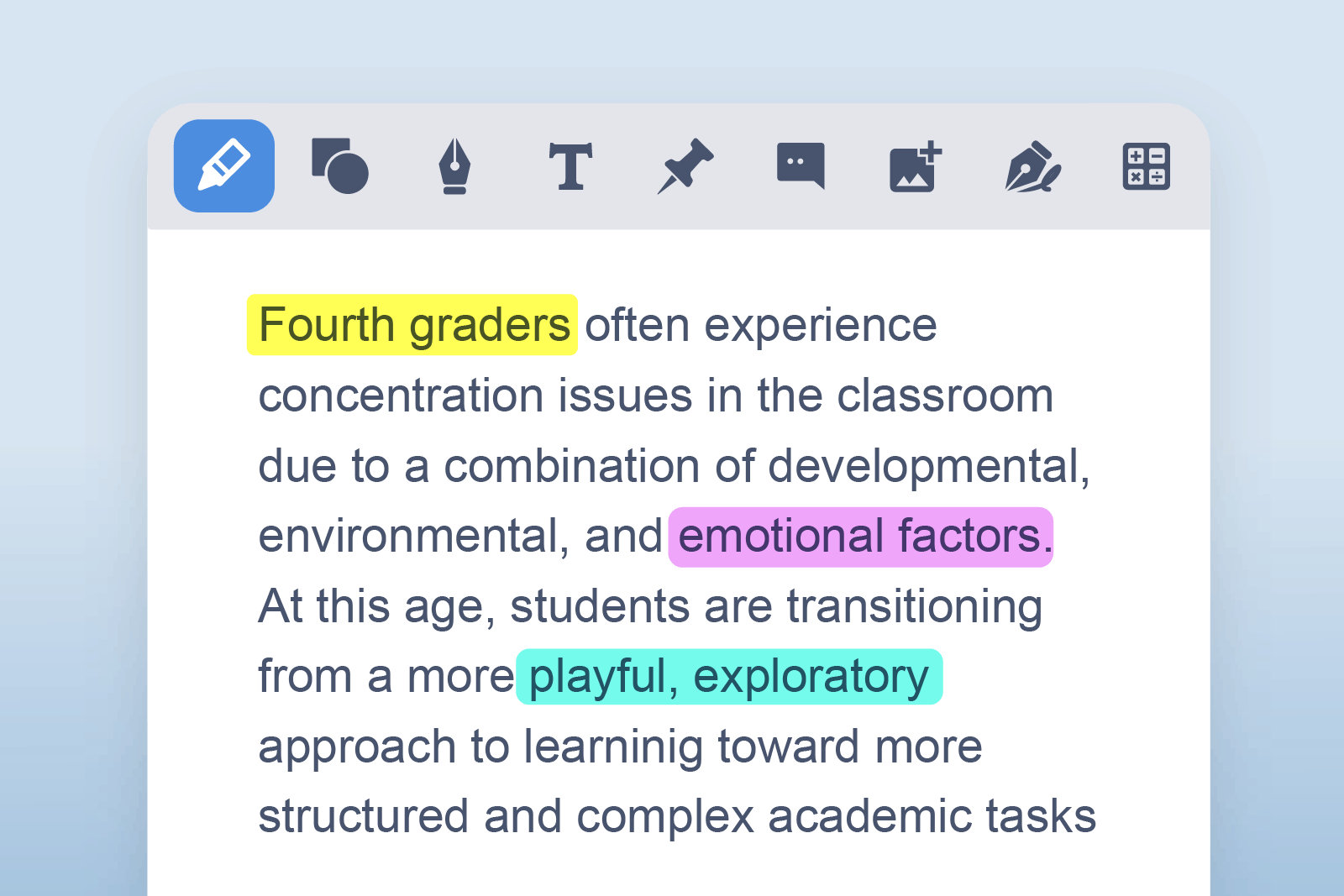
Easily collect and color-code important notes in one space.

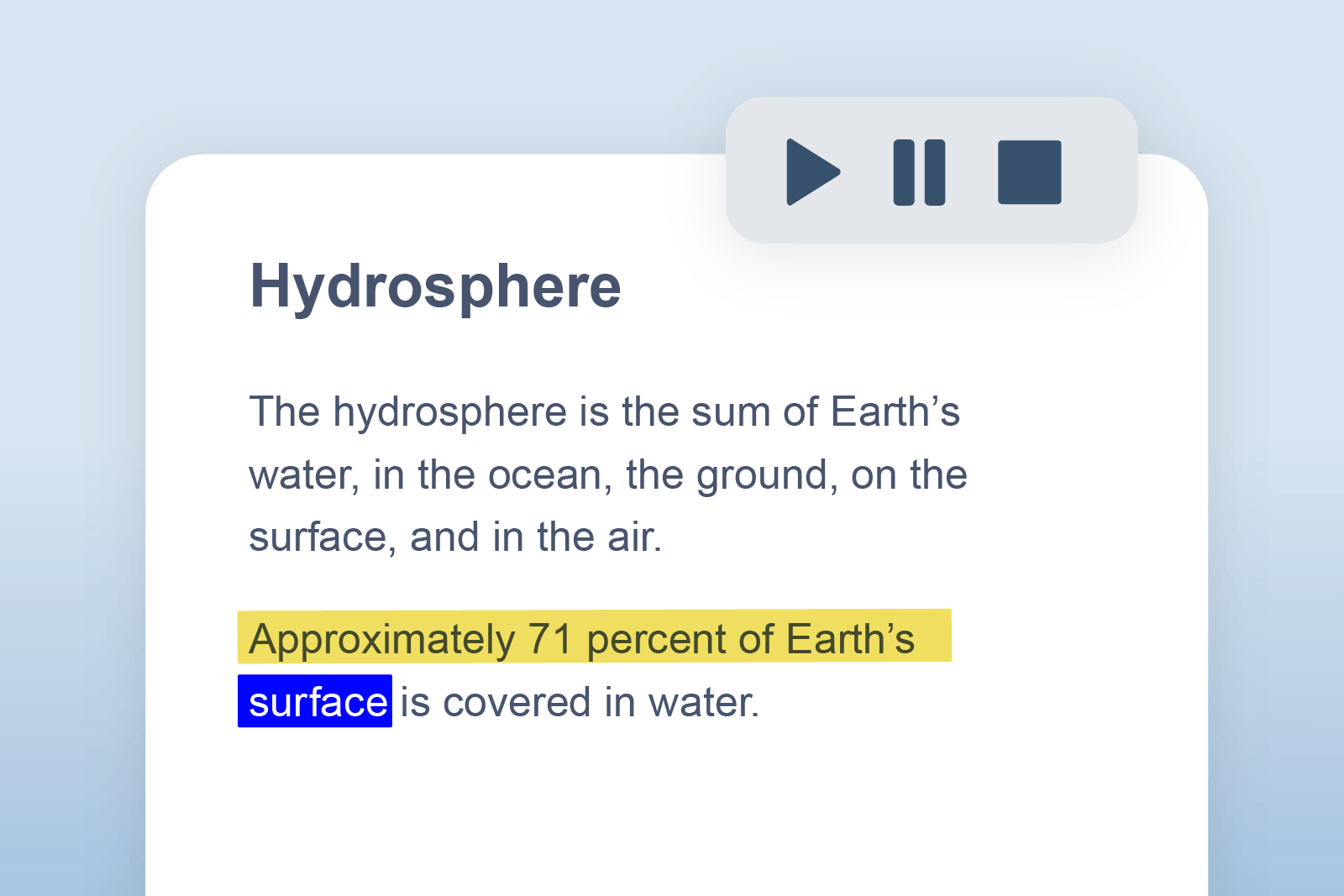
Reads documents aloud with dual color highlighting to help keep track.

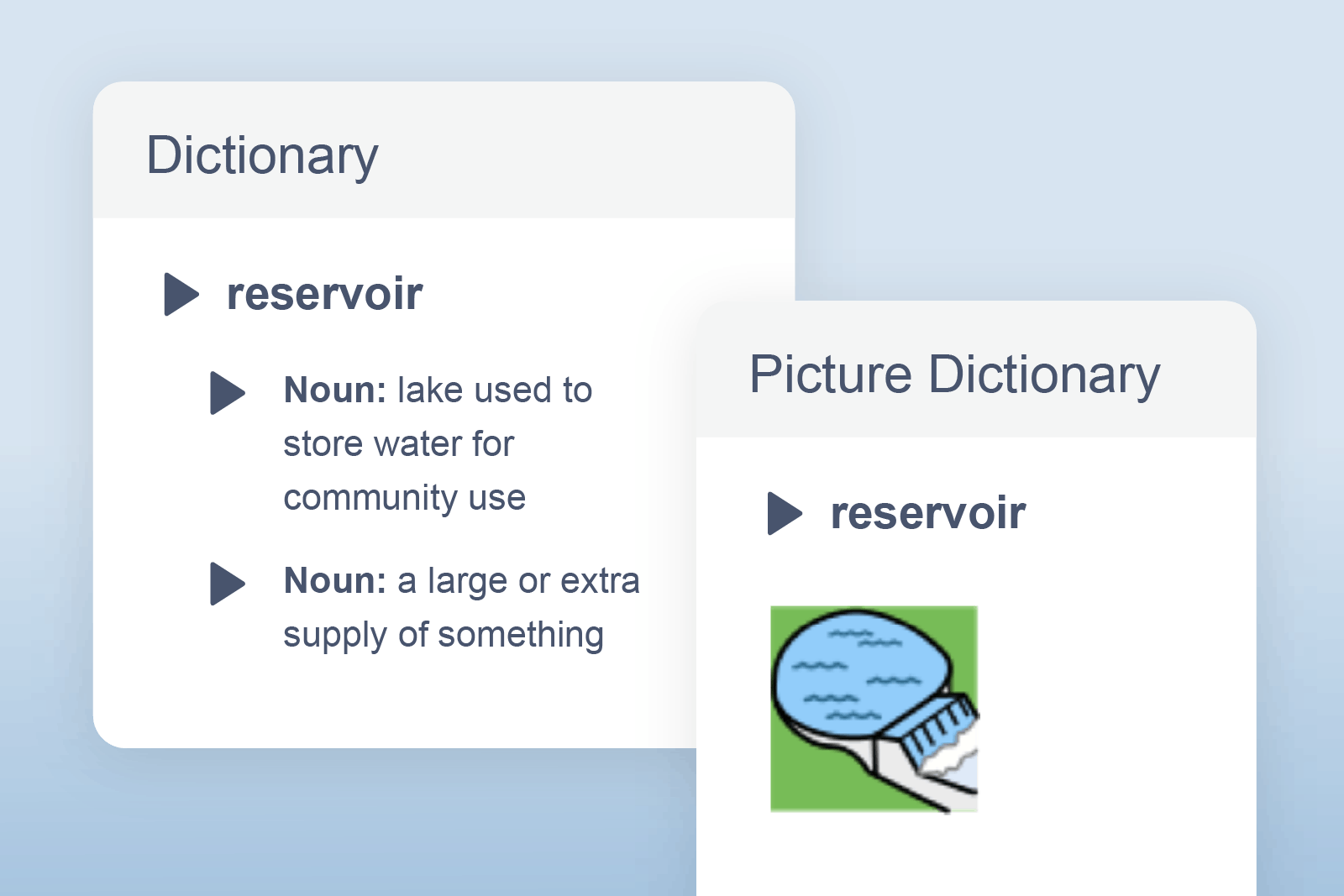
Provides definitions that can be read aloud.

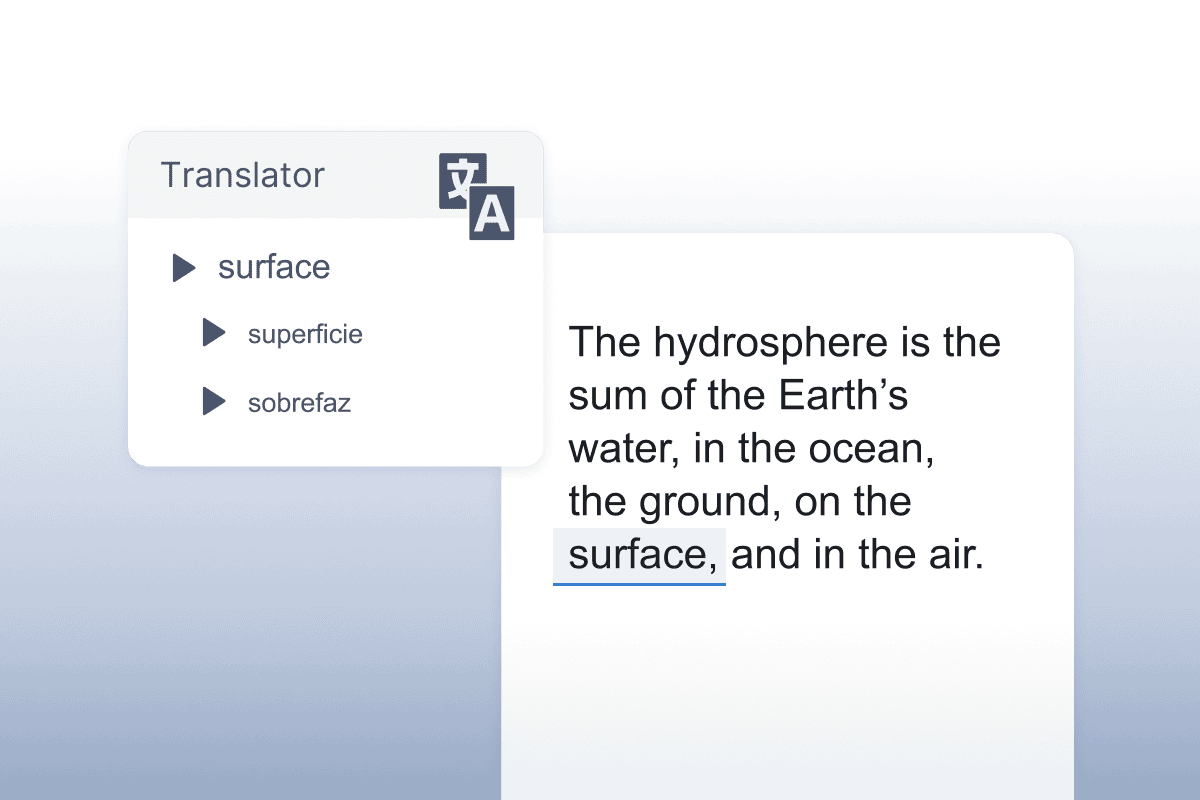
Allows single words to be translated into a wide selection of languages.

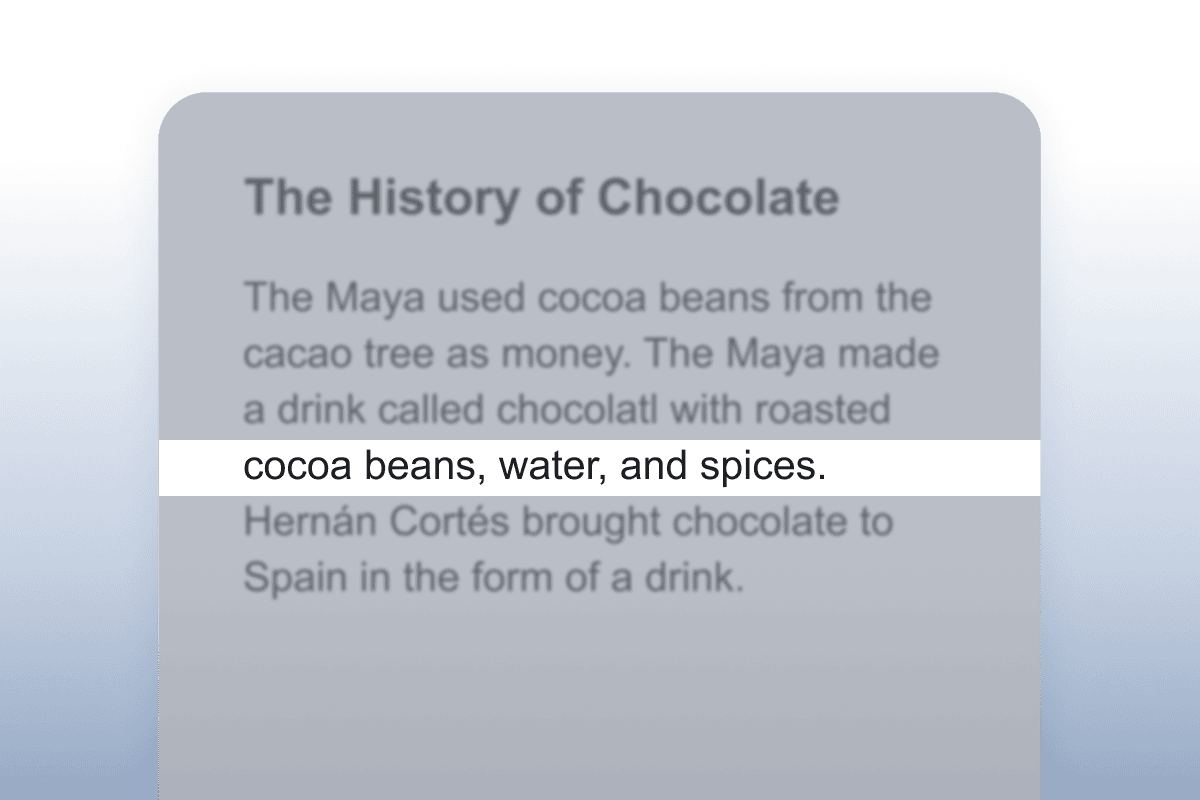
Tints your screen to improve focus.

Scan-document screen showing fields for document language, file name, and an estimated scan time before a Scan button.
OrbitNote highlighting feature showing text highlighted in yellow, pink and blue.
OrbitNote text-to-speech feature in use, showing dual colour highlighting
OrbitNote's Dictionary and Picture Dictionary feature, showing a drawing of a reservoir and a written definition for the word "reservoir".
OrbitNote translate feature translating the word 'surface'
OrbitNote screen masking feature over an article about the history of chocolate

Seamless integration with your digital classroom

The OrbitNote toolbar works alongside top platforms, including Google Classroom, Canvas, Schoology and Brightspace

Windows Google Chrome and Mac OS logos

Did you know you can integrate OrbitNote + Read&Write?

Improve accessibility and engagement in PDFs using the powerful tools of Read&Write alongside OrbitNote. OrbitNote allows educators to enhance PDF documents with annotation tools to add notes and comments, all while providing students with the support they need using the full range of Read&Write tools they already know and love.

What sets us apart

Pricing options

We offer pricing for individual schools and districts. If you’ve got questions, book a chat with our Product specialists.

Access to key features.

Integration with all systems and platforms.

Customer care and tech team.

Onboard and training academy.

Marketing support and materials.

*Minimum seat requirement. If you require more than 10,000 licenses contact Sales to discuss pricing tiers

Request a demo or quote

Discover how OrbitNote can unlock student potential.

Complete the form to request a personalized demo or a quote, and we’ll be in touch soon.

OrbitNote FAQs

OrbitNote is considered one of the best PDF editor software tools because it allows you to easily annotate, edit, and make PDFs interactive. It’s designed with educators in mind, offering features like OCR scanning to convert printed text into accessible content. It also has text-to-speech tools, real-time collaboration features, and the ability to leave text and voice comments. OrbitNote makes PDFs not only easier to interact with but also more accessible for all learners.

Yes, OrbitNote has a seamless integration with Google Classroom that allows students to complete PDF worksheets using a variety of annotation tools, and allows teachers to review their work and provide feedback right from Google Classroom.

OrbitNote works with Office 365, so Microsoft users can sign into OrbitNote with their Microsoft account and use it with PDFs in OneDrive. In the future, we plan to make OrbitNote compatible on iOS as well.

Yes, OrbitNote can be deployed easily by an admin so teacher and student users do not need to install anything.

You can share annotated PDFs with other users through Google Drive, OneDrive, Google Classroom or your Learning Management Systems. Make sure that the user you are sharing with has OrbitNote installed as well, in order to see the annotations.

For sharing with users that don’t have OrbitNote, you can use the download button and select the option to include your annotations. This will include all annotations, drawings, text, highlights, signatures and images in a new copy of the PDF.

Yes, your annotations and highlights will be included when you print a PDF in OrbitNote.

No, OrbitNote only handles PDFs. Read&Write can however be used with Bookshare and EPUB files.

No, OrbitNote is a standalone product. However it can be used in conjunction with Read&Write as part of the Complete Literacy Toolkit. Also, (coming soon) with Equatio to make content more accessible and engaging across all subject areas.

Yes, there's OrbitNote Modern and OrbitNote Classic. OrbitNote Modern includes more advanced tools, stronger accessibility features, a more streamlined design, and improvements built to support changing needs in education and work. Use our OrbitNote Classic vs OrbitNote Modern comparison to see more details of the differences between the two versions.

Making a PDF accessible is simple with OrbitNote. First, use OCR scanning to convert printed text into a fully readable digital format. OrbitNote then allows you to enhance the document’s accessibility with tools like Text-to-speech, which reads the text aloud, and highlighting for easier navigation. Additionally, features like vocabulary support ensure that learners can engage with the content at their own pace. Whether for students with learning differences or those who need extra support, OrbitNote makes content is accessible for everyone.

You can edit a PDF by using annotation software that allows you to add text, highlights, drawings, and comments directly to the document. OrbitNote makes PDF editing simple with intuitive tools that let students type, draw, highlight, and add shapes or images to any PDF document.

You can translate a PDF by using a PDF reader with built-in translation tools that convert text from one language to another. OrbitNote includes an integrated Translator feature that allows students to translate words and passages directly within PDF documents for improved comprehension.

You can annotate a PDF by using software that lets you add notes, comments, highlights, and drawings to the document. OrbitNote provides comprehensive PDF annotation tools, including sticky notes, text boxes, freehand drawing, and highlighting, to help students engage with learning materials.

You can highlight a PDF by selecting text and applying a highlighting tool to mark important information. OrbitNote includes multiple highlighter colors that students can use to identify key points, organize information, and support active reading strategies.

OCR (Optical Character Recognition) scanning is a technology that converts printed or handwritten text from images or scanned documents into editable, readable digital text. OrbitNote's OCR Scanning feature transforms printed materials into accessible, interactive PDFs that students can read aloud, annotate, and engage with using assistive technology tools.

You can OCR a PDF by using scanning software that recognizes and converts printed text into digital, editable text. OrbitNote's OCR Scanning feature automatically processes scanned documents and images, transforming them into accessible PDFs with selectable text that works with text-to-speech and other learning support tools.

An accessible PDF is a document that can be read and navigated by all users, including those using assistive technology like screen readers and text-to-speech tools. OrbitNote creates accessible PDFs through OCR scanning and provides accessibility features like read-aloud functionality, customizable views, and annotation tools that remove barriers for students with diverse learning needs.

You can text-to-speech a PDF by using a PDF reader with built-in audio functionality that reads text aloud. OrbitNote includes natural-sounding text-to-speech that allows students to listen to any PDF document, supporting learners with dyslexia, reading difficulties, or anyone who benefits from multi-sensory learning.

You can check if a PDF is accessible by testing whether the text can be selected, read by screen readers, and navigated with assistive technology. OrbitNote ensures PDF accessibility by converting scanned documents through OCR, providing text-to-speech functionality, and offering tools that work for all learners regardless of their learning needs.