Select your exams governing body
Choose your local qualifications body to access dedicated compliance guides.
Whether you're following JCQ or Qualifications Scotland, our tools help make exams more accessible for all learners.



Choose your local qualifications body to access dedicated compliance guides.

Find up-to-date JCQ guidelines and discover compliant digital access arrangements.

Get the latest guidance on using digital access arrangements in line with Qualifications Scotland.

Text-to-speech software offers discreet assistance with reading even where a human reader is not permitted.

Voice input lets students speak their answers instead of writing by hand, helping to capture ideas clearly.

Lets students type, edit and format their work during exams, making it easier to organise work and present their answers.
Cover reading, writing and word processing needs in one seamless setup.
| Access Arrangement | Read&Write | ExamWritePad |
|---|---|---|
| Computer reader (Text-to-Speech) |
Supported | Not supported |
| Computer scribe (Speech-to-Text) |
Supported | Not supported |
| Coloured overlay support, without coloured paper |
Supported | Not supported |
| Secure word processor for typed responses | Not supported | Supported |
| Evidence the need for extra time | Not supported | Supported |
| Autosave and backup to protect candidate work | Not supported | Supported |
| Compliant with JCQ and Qualifications Scotland | Supported | Supported |
| Supports candidate's normal way of working | Supported | Supported |
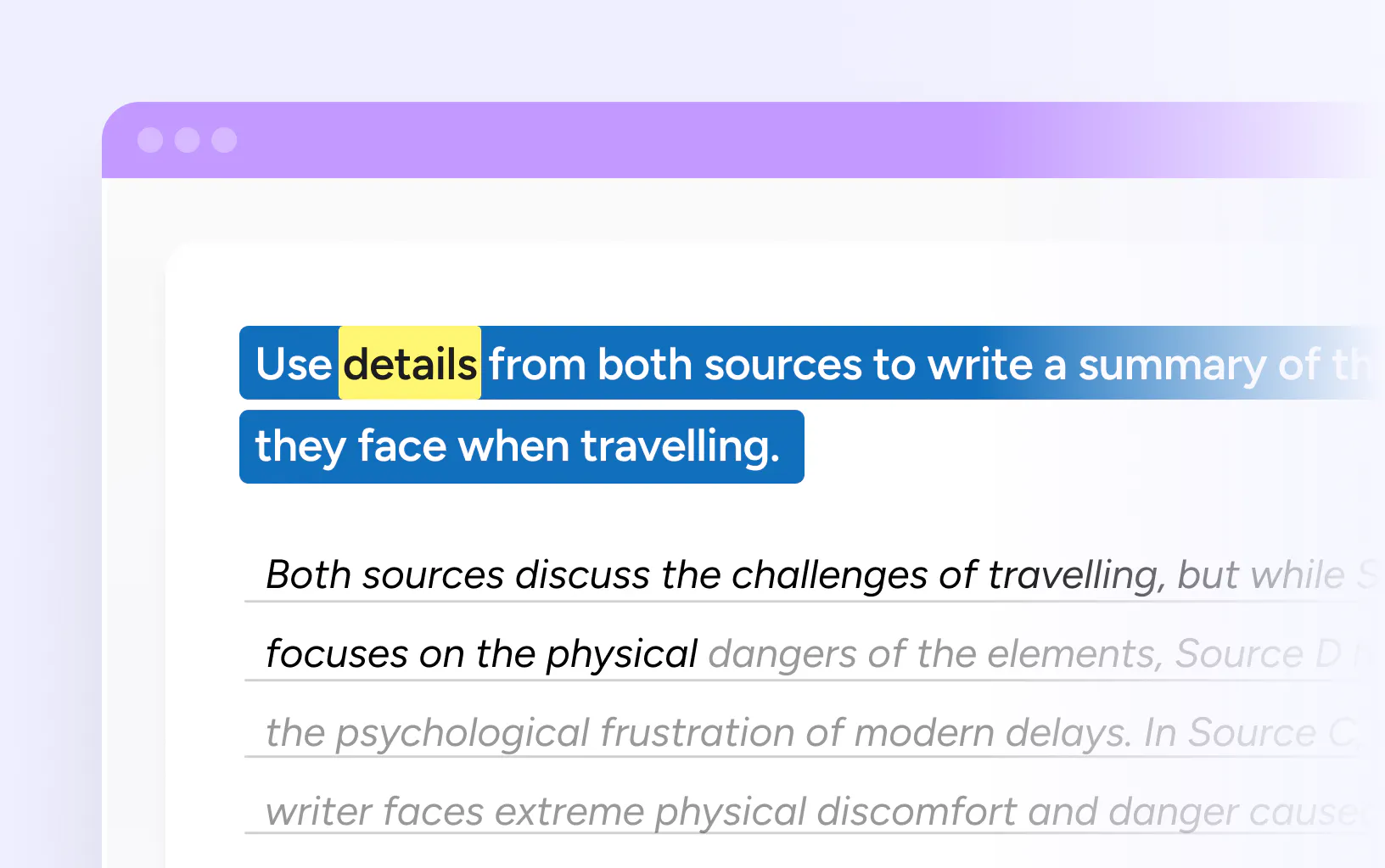

Acts as a computer reader or digital scribe during exams, reading questions aloud or transcribing spoken answers.
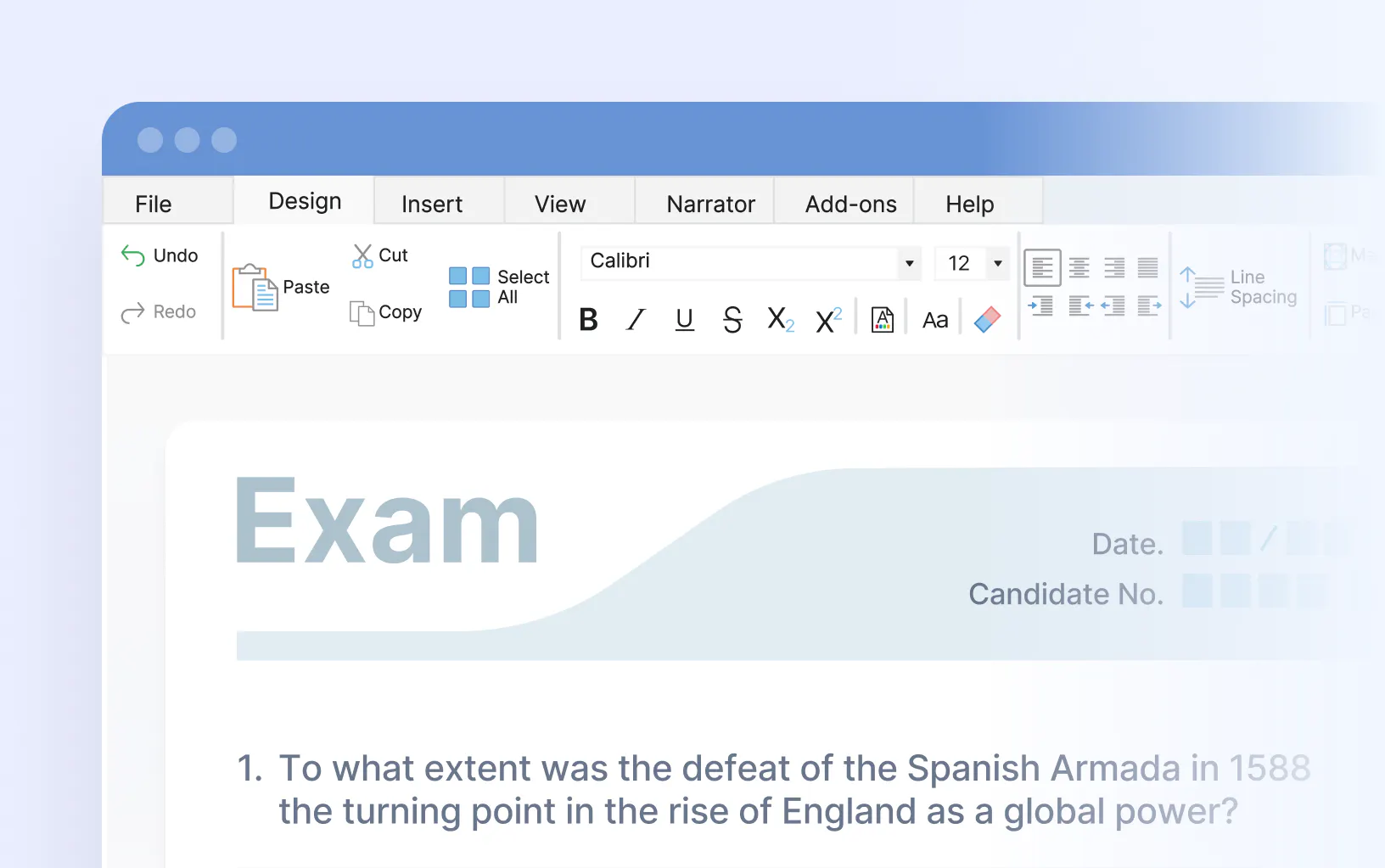

Our secure word processor built specifically for exams. It offers customisable features and accessibility options.



While we have very good scribes, they still present a barrier. With Everway tools, students don’t have to explain to anyone else what they want to write. They can do it themselves.
That’s a real breakthrough.
Chantal McAllister,
Head of Learning Enrichment
At Oldham College, Everway has simplified exam support for the 600+ students who qualify for exam access arrangements.
Instead of coordinating human readers and scribes, staff can now support large groups of students in a single room.
With Everway, support is streamlined, consistent and compliant.
Exam access arrangements are adjustments to standard exam conditions for students with disabilities or additional learning needs. They are there to make exams fair, not easier. Common arrangements include extra time, word processor use, a computer reader, and a scribe.
Available arrangements include extra time, word processor use, computer reader, scribe, reader, rest breaks, separate invigilation, and modified papers.
What is available depends on individual need and the evidence held by the school.
Students cannot apply directly. The school applies on the student's behalf through the relevant awarding body. In England, Wales and Northern Ireland this is through JCQ. In Scotland it is through Qualifications Scotland. The first step is to speak to a SENCO or learning support team, who will guide through what is needed.
It depends on the arrangement. For word processor use, the school needs to show it is already the normal way of working in lessons. To get extra time in exams, a formal assessment from a qualified specialist is needed. The school guides students through what is required.
Several digital tools are available to support students with disabilities in exams. ExamWritePad is a secure word processor built specifically for exam conditions, used by thousands of UK schools. Read&Write can act as a computer reader or digital scribe, reading exam questions aloud or transcribing spoken answers. Both tools are fully compliant with JCQ and Qualifications Scotland guidelines.
A computer reader is exam reader software that reads the exam paper aloud. It is an alternative to having a human reader present. Tools like Read&Write do this in line with JCQ guidelines, giving students independence during the exam.
A scribe writes answers on behalf of a student as they speak them. This is available for students who have difficulty writing by hand. A digital scribe, using software like Read&Write or ClaroRead, can be used as an alternative to a human scribe.
Yes. Read&Write and ExamWritePad can support students with approved access arrangements in International Baccalaureate (IB) exams, when set up and used in line with IB requirements.
Read&Write can be configured as a computer reader or speech recognition tool, while ExamWritePad provides a secure word processor for exams. Features that aren’t permitted, such as predictive text, spelling and grammar tools, internet access or other unauthorised functions, must be switched off as required.
Students should normally be familiar with the software and use it as their normal way of working. Schools must also apply for the appropriate access arrangements through their IB Coordinator and provide supporting evidence where required.
Using Read&Write and ExamWritePad together can give students access to reading, typing and approved speech recognition support, helping them show their knowledge and skills in a way that works for them.
Always check the latest IB Access and Inclusion Policy and the student’s approved access arrangements before setting up software for an exam.