Read&Write logo

Read&Write for iPad

Literacy support designed for learning on iPad

Give every learner the confidence to read, write and learn independently with literacy tools built specifically for education.

Read&Write for iPad works across your favourite learning apps, helping students stay focused while reducing barriers to learning.

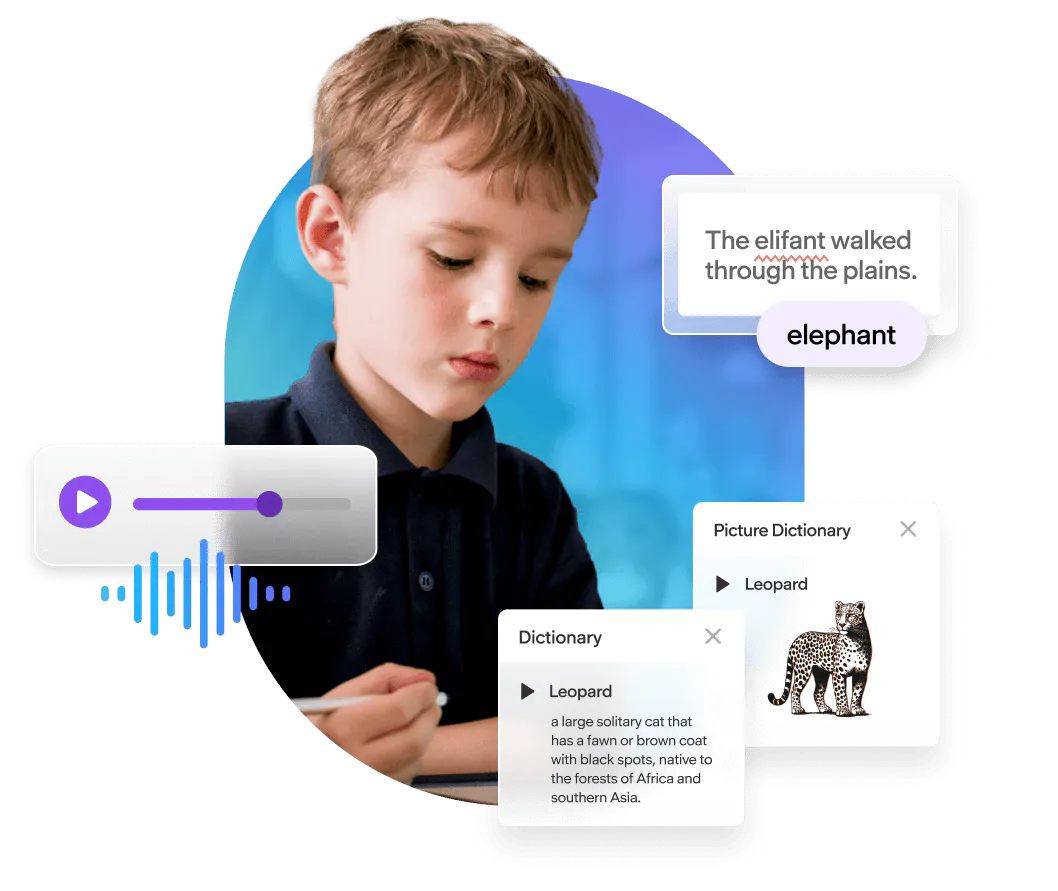
Young student using a stylus on a iPad during class, focused on completing a digital assignment while classmates work in the background.

Why schools choose Read&Write for iPad

Apple includes useful accessibility features, but Read&Write goes further

Designed for education, Read&Write combines literacy, accessibility and learning support in one toolbar that helps students become independent and confident learners.

Instead of switching between different accessibility settings or multiple menus, students can quickly access the support they need wherever and whenever.

Whether it's reading digital text, completing assignments, researching online or writing independently, Read&Write provides familiar tools that reduce cognitive load and enhance focus.

A student in a classroom using a tablet
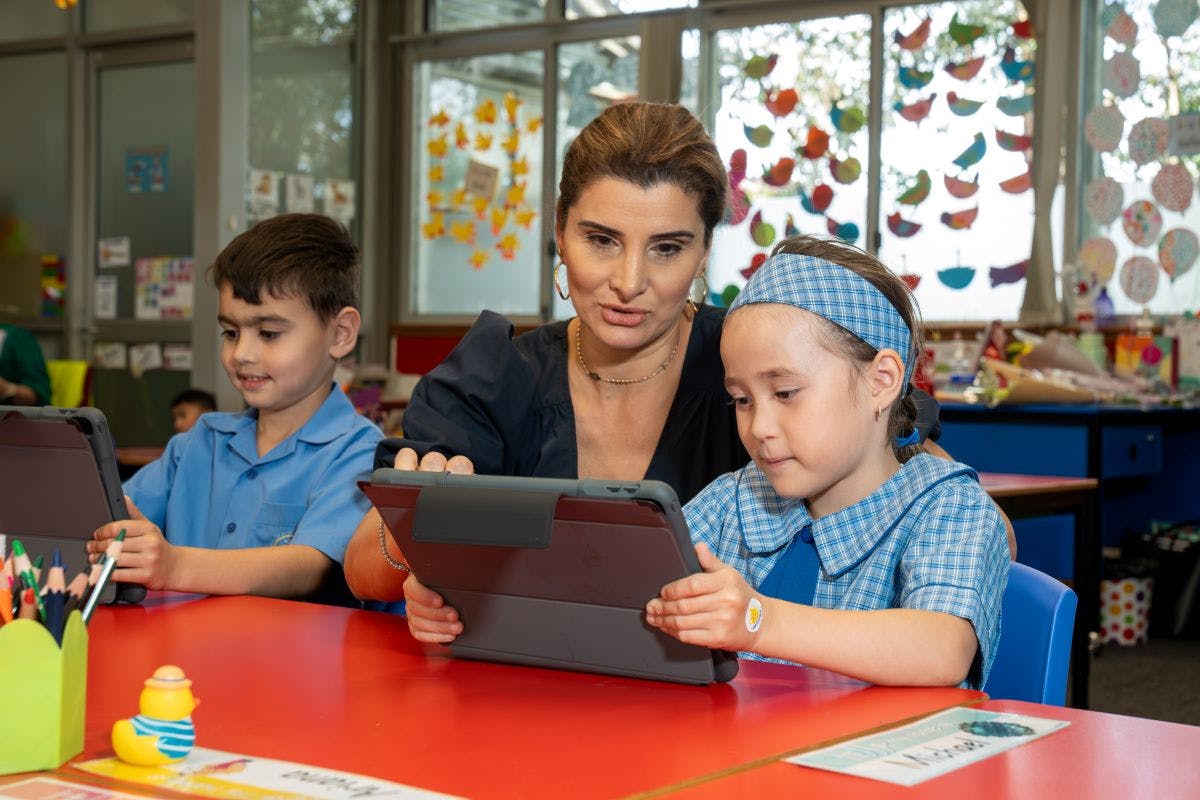
A teacher with two young students on iPads

Support every learner

Read&Write helps schools create learning environments where every student can participate and succeed.

It supports learners with:

  • Dyslexia and literacy difficulties
  • English as an Additional Language (EAL)
  • Additional learning needs
  • Reading and writing challenges
  • Executive functioning and organisation
  • Universal Design for Learning (UDL) approaches that benefit every learner

Rather than supporting only a small number of students, Read&Write provides flexible tools that any learner can use whenever they need them.

Why choose Read&Write over built-in iPad accessibility?

Education-first support that goes beyond accessibility

Built-in iPad tools

  • General accessibility features
  • Multiple accessibility settings
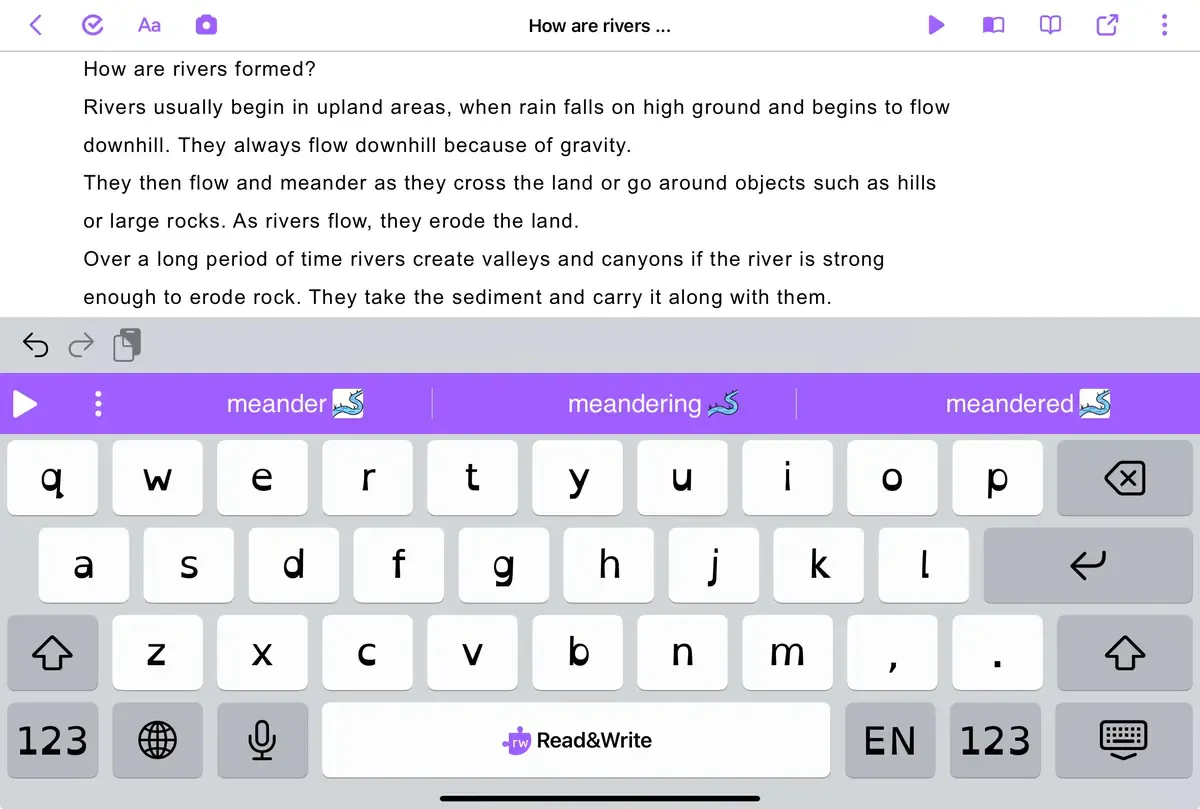
  • Basic word prediction
  • Basic text reading
  • Basic spelling support
  • Separate accessibility features
  • Accessibility focused

Read&Write for iPad

  • Literacy support designed specifically for education
  • One consistent toolbar across supported apps
  • Intelligent word prediction designed for developing writers
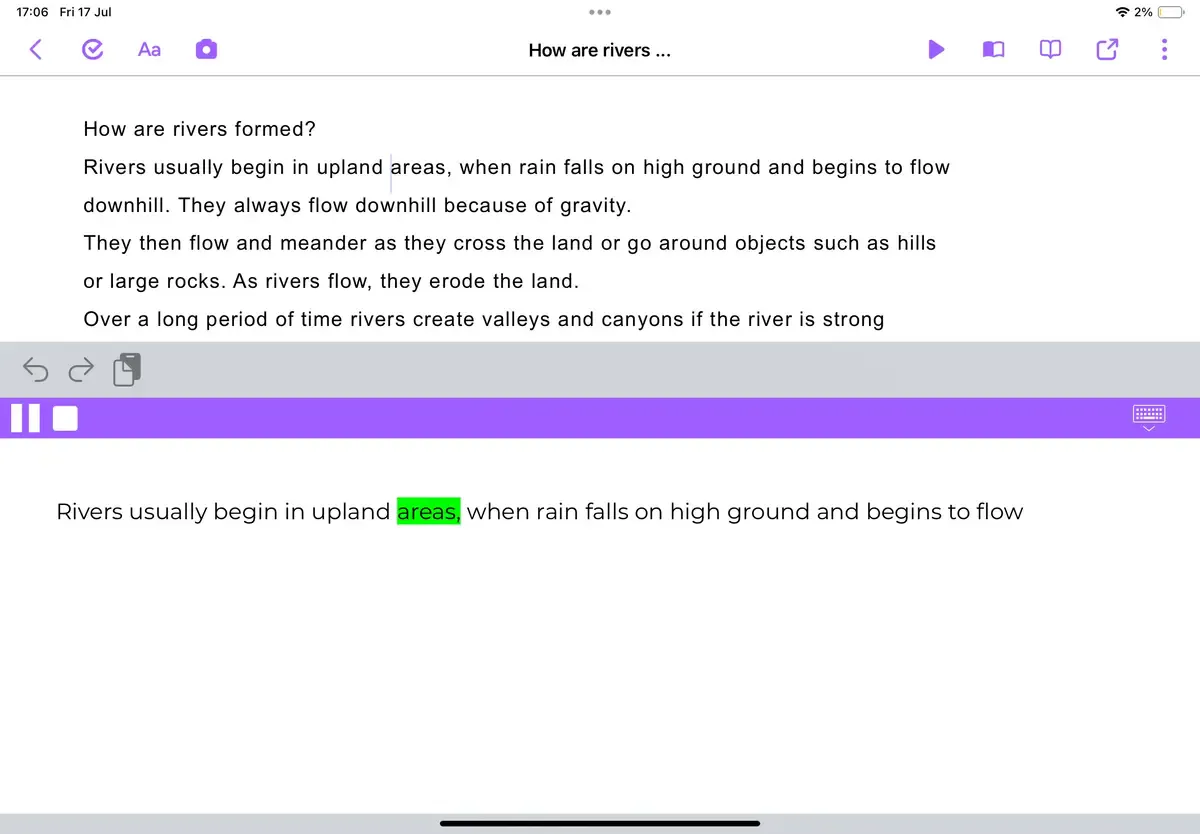
  • Reading support with highlighting and voice and speed controls
  • Immediate spelling feedback, colour coded word suggestions and integrated text playback.
  • Reading, writing and vocabulary support in one place
  • Designed to improve literacy, independence and learning outcomes

Read&Write isn't designed to replace Apple's accessibility features, it enhances them by providing education-focused tools that support literacy development across everyday learning.

Everything students need to read, write and understand

Read&Write for iPad gives learners one consistent set of literacy tools they can rely on throughout their learning journey.

Text-to-Speech icon

Text-to-Speech & AudioMaker

Listen to text read aloud to improve reading confidence, comprehension and independence. Convert documents into MP3 audio files and listen anywhere.

Equatio Prediction Icon

Word Prediction

Support developing writers with intelligent word prediction that helps students write more accurately and confidently.

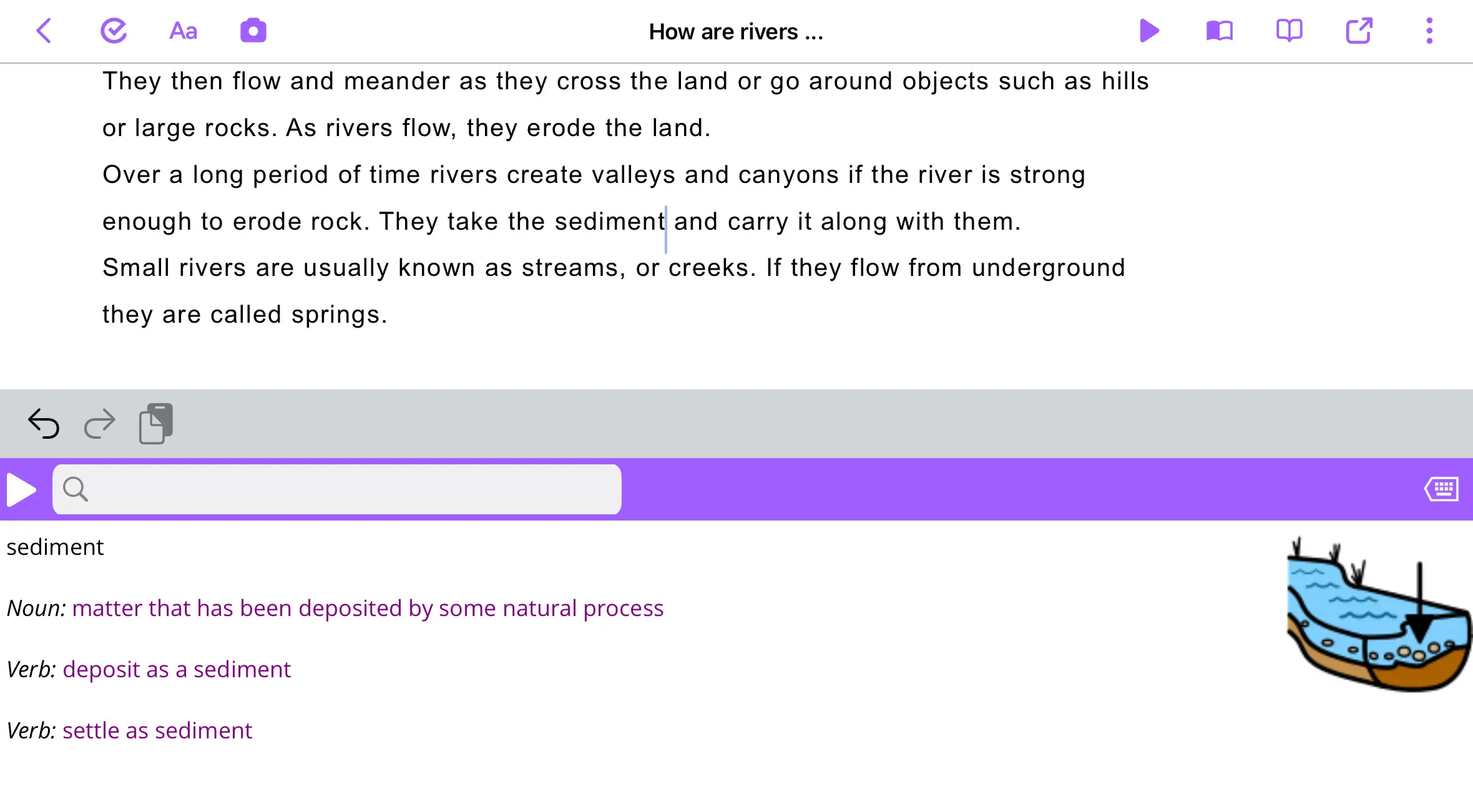
Dictionary

Picture & Talking Dictionary

Build vocabulary and understanding using visual definitions or hear them read aloud to understand unfamiliar words without leaving your work.

Speech Input Icon

Speech-to-Text

Turn spoken words into written text to help students express their ideas more easily.

OCR Scanning feature icon

OCR Scanning 

Capture printed worksheets, textbooks or classroom resources and make them accessible with text-to-speech.

Translation feature icon

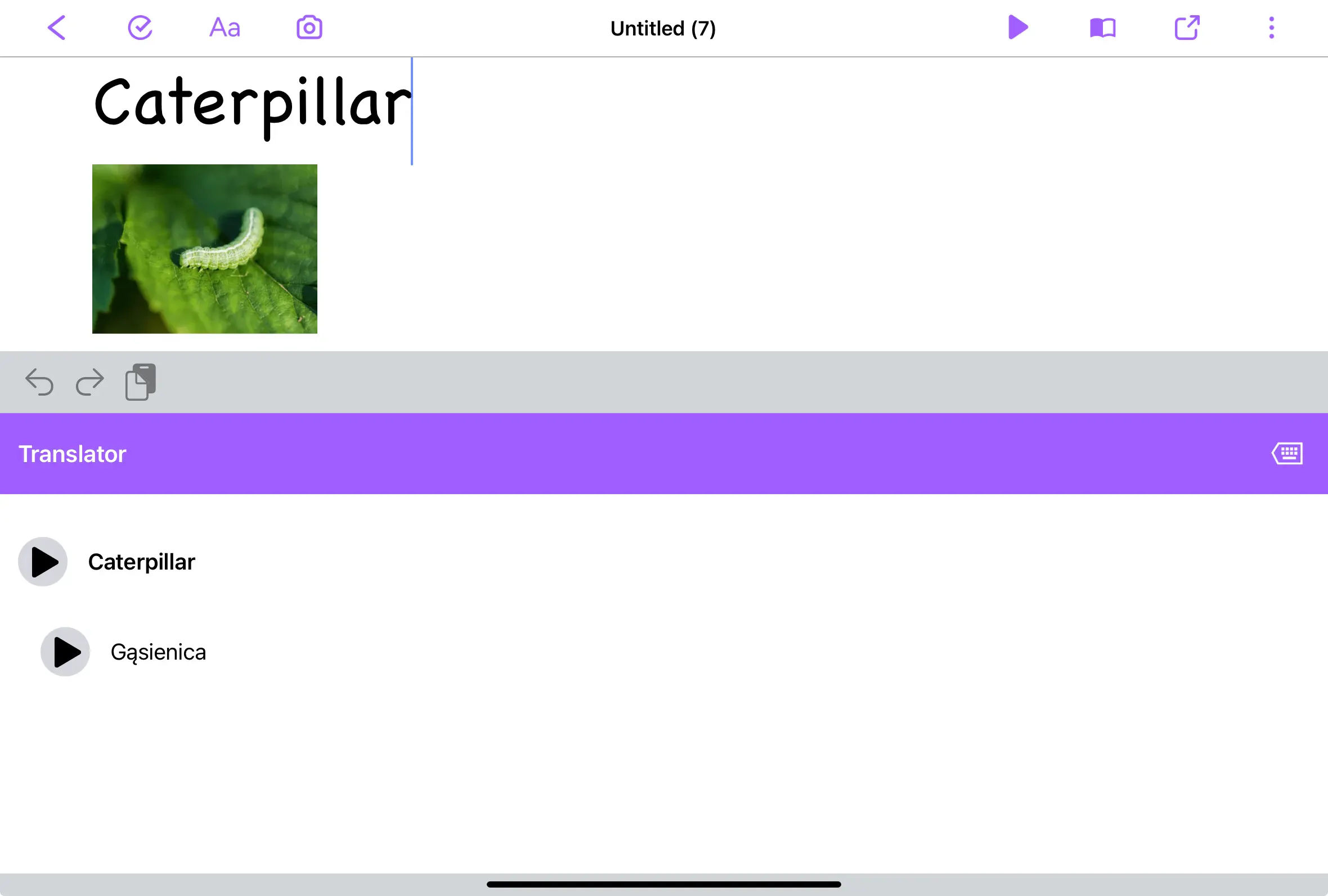
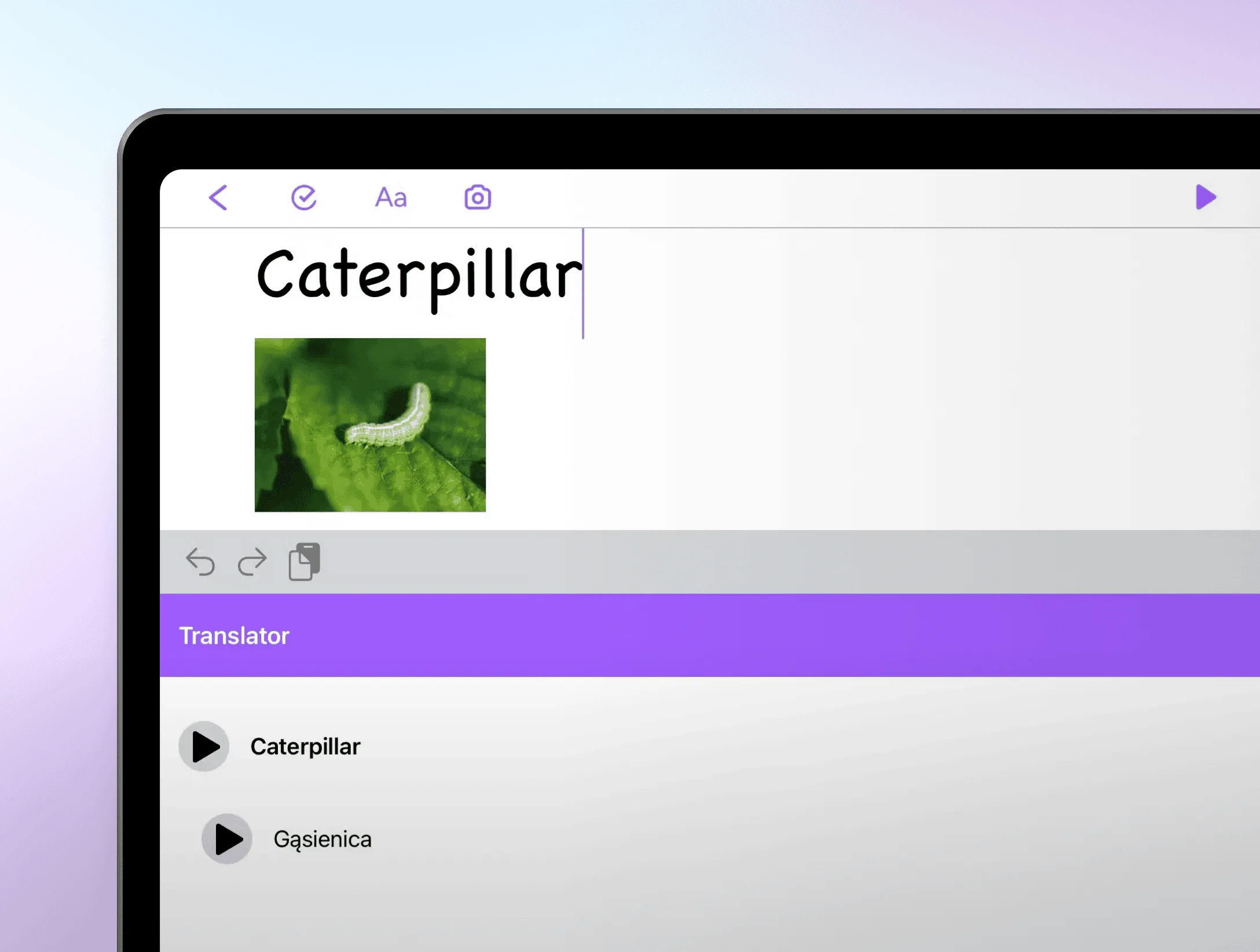
Translator

Support multilingual learners by translating words and text when needed.

Dyslexia-friendly font

Makes letters easier to distinguish, improving readability and easing the demands on working memory.

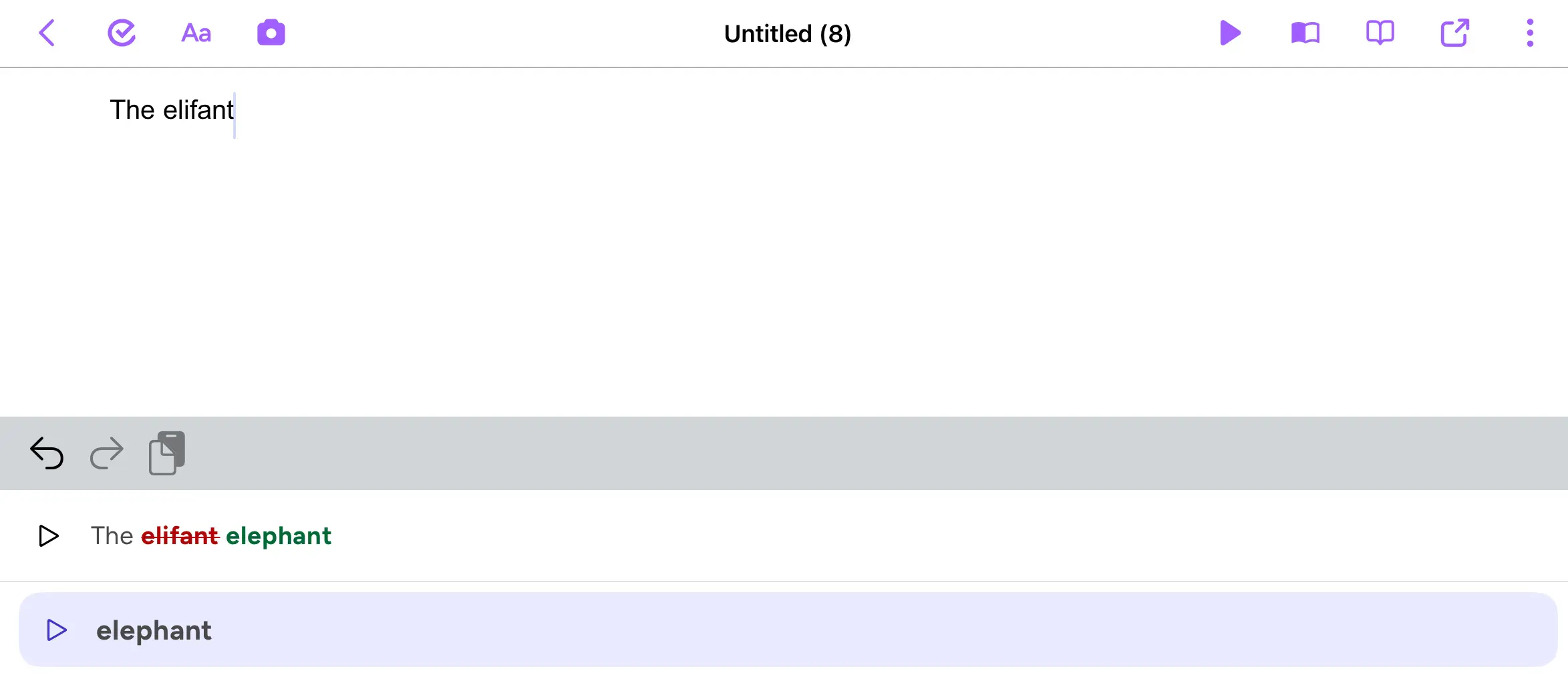
Advanced spelling support

Get spelling feedback with colour-coded suggestions and playback, helping recognise mistakes and make corrections.

spelling correction colour coded and suggestions in Read&Write for iPad
Dyslexia friendly keyboard font in Read&Write for iPad
Spelling support in Read&Write for iPad
Translation in Read&Write
Text and Picture Dictionary in Read&Write for iPad
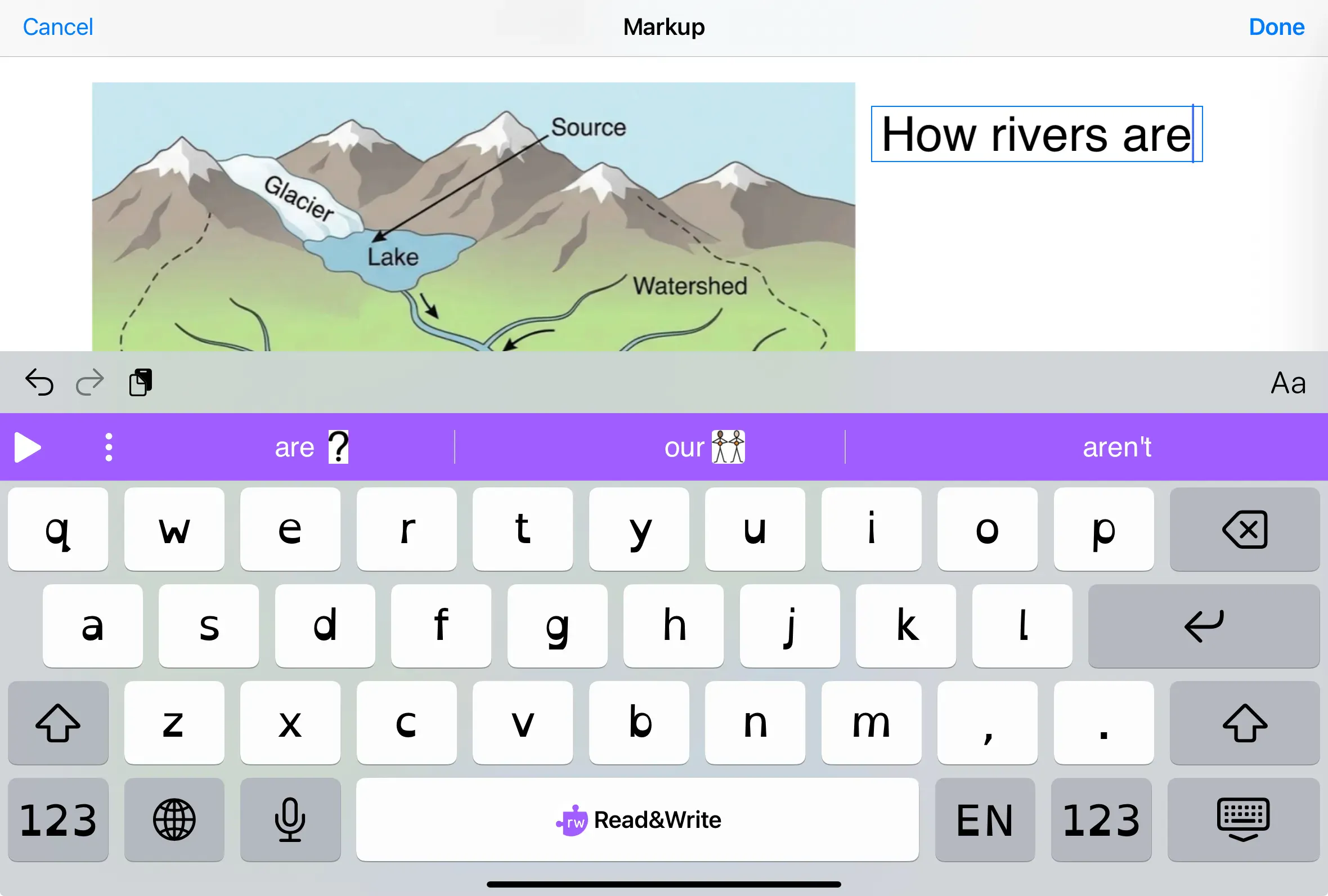
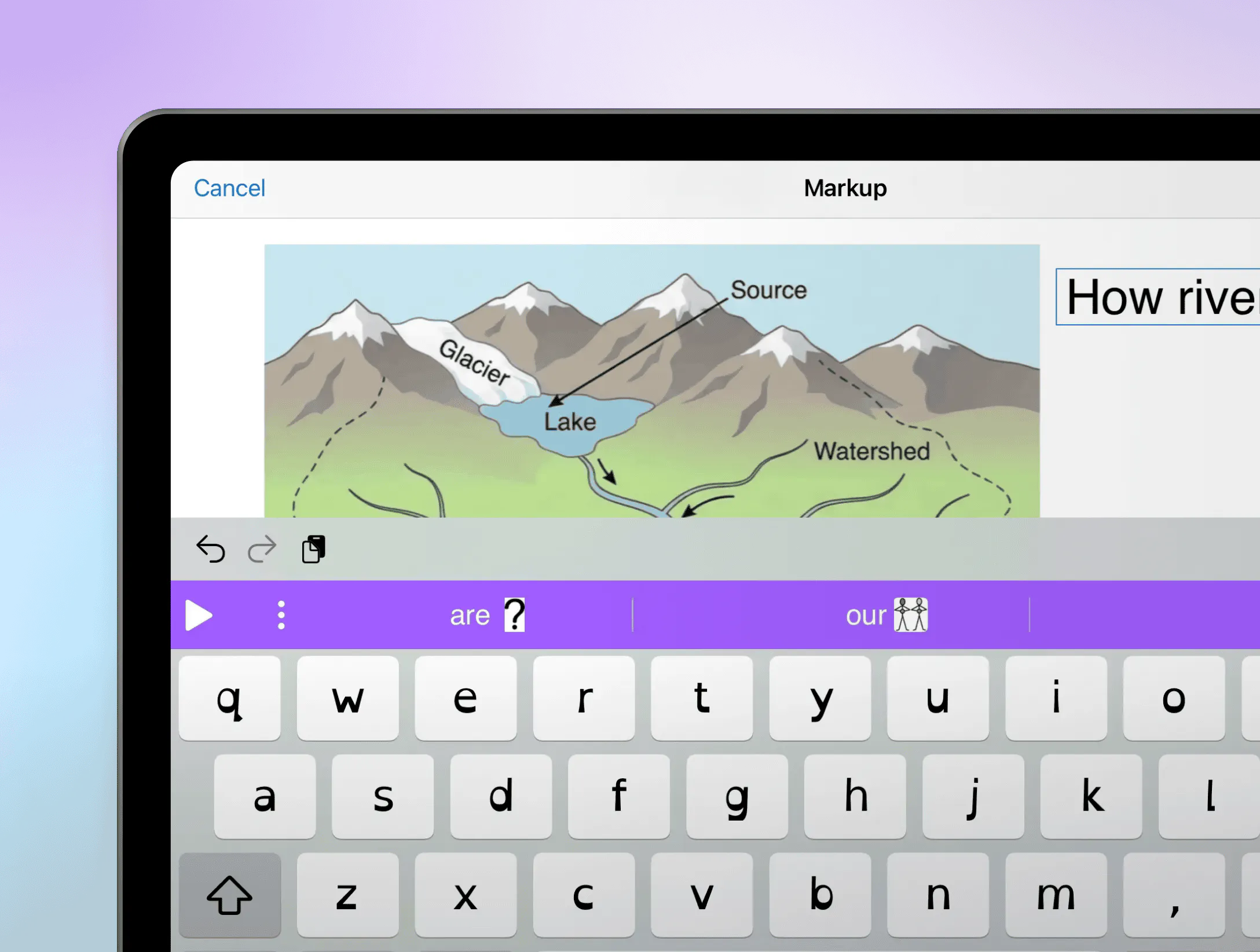
Markup in Read&Write for Ipad

Real classroom impact

Glasgow City Council

Following a city-wide pilot using Read&Write for iPad, Glasgow City Council expanded access to more than 71K students after seeing improvements in literacy, confidence and engagement.

Impact highlights:

  • 88% of students said Read&Write improved their ability to read, write and understand in class.
  • 80% increase in writing confidence.
  • 77.8% boost in reading fluency.
  • 78% increase in reading confidence.

Gorebridge Primary School

Read&Write for iPad is used across the whole school to support learners of all abilities, helping build confidence, independence and stronger literacy skills from an early age.

Results include:

  • Whole-class adoption across Primary 1-7
  • Greater confidence and independence for reluctant writers
  • More time for teachers to focus on targeted teaching and personalised support

Ready to unlock the full potential of iPad learning?

Give every learner access to literacy tools designed specifically for education, helping students read, write and learn with greater confidence and independence.